Account Security
Account security is the first stop before launching valuable capacity. It includes MFA, sessions, SSH keys, API keys, and recovery.
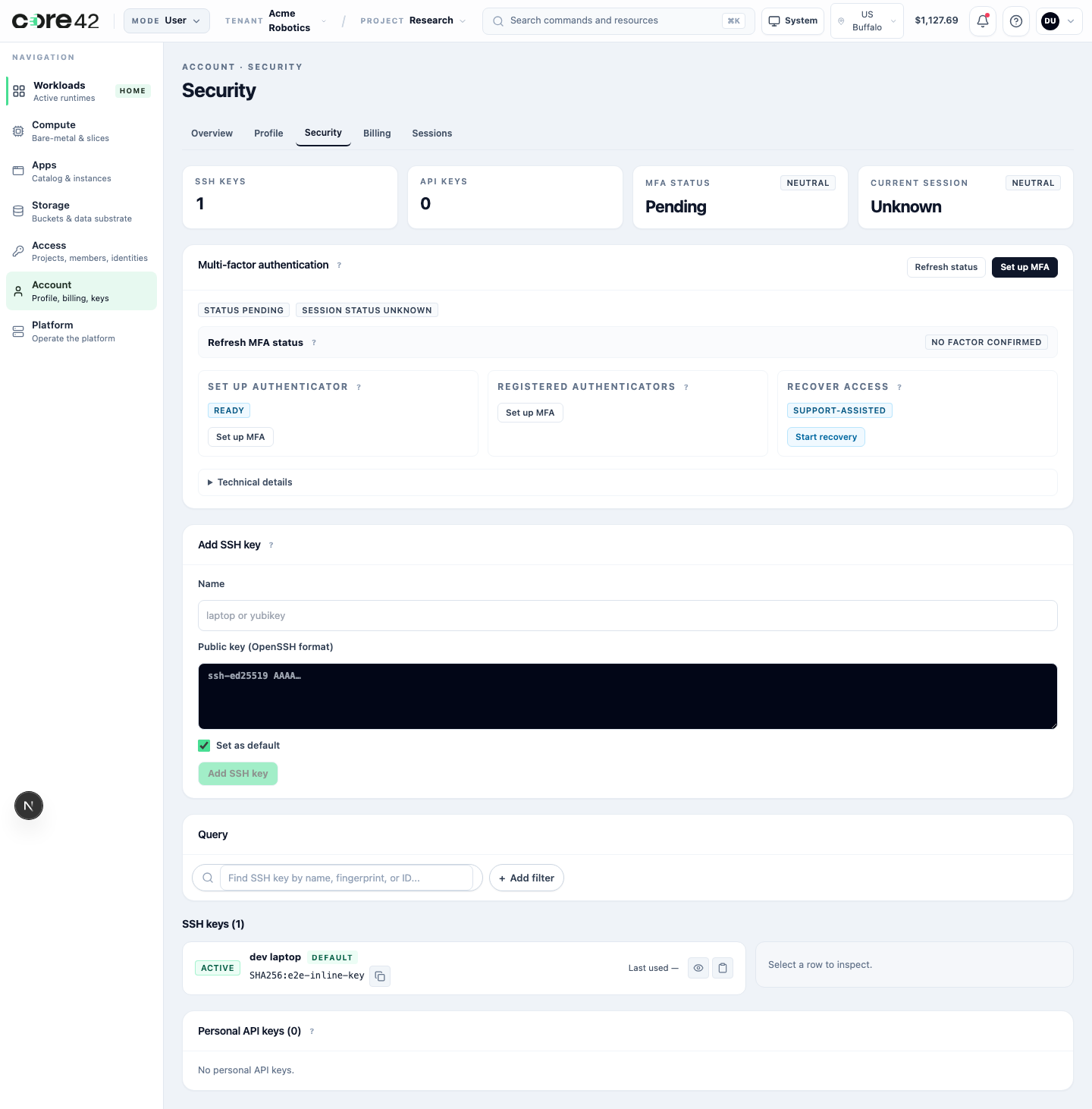
MFA
Multi-factor authentication protects sign-in and sensitive account actions.
| Situation | User action |
|---|---|
| MFA is required but not set up | Start setup from Account Security. |
| MFA is already set up | Review status and keep recovery options current. |
| Phone or authenticator is lost | Start recovery and contact the tenant admin or support path. |
| MFA status looks stale | Refresh status once before escalating. |
Never share one-time codes, QR payloads, seeds, or recovery secrets in support messages.
Sessions
Review sessions regularly. Sign out sessions you do not recognize or no longer use. Tenant admins may ask users to refresh sessions after major role or security-policy changes.
SSH Keys
SSH keys are used by runtimes that expose SSH access.
Good practice:
- upload public keys only;
- use clear labels for devices or automation;
- remove keys from retired devices;
- rotate keys when a laptop or credential is lost;
- do not paste private keys into the product or support tickets.
API Keys
Use API keys for automation that cannot use an interactive browser session.
Good practice:
- create keys only for a named purpose;
- keep scope narrow;
- rotate keys on a schedule;
- remove keys when automation is retired;
- use service accounts for team automation rather than sharing user keys.
Account Recovery
Recovery is intentionally stricter than normal sign-in. A lost MFA device or credential issue may require tenant-admin or support-assisted verification before disabling or replacing a factor.
When asking for recovery help, provide:
- tenant;
- project if relevant;
- user identity;
- recovery action attempted;
- visible state;
- correlation ID.
Do not provide one-time codes, QR secrets, private keys, bearer tokens, or raw provider details.